Most electrician websites do not need a big SEO retainer. They need a verified Google Business Profile, one solid page for each job they want, a steady flow of real reviews, and a site that loads and works on a phone. This guide shows you what to do, what costs money, and what you can safely ignore.
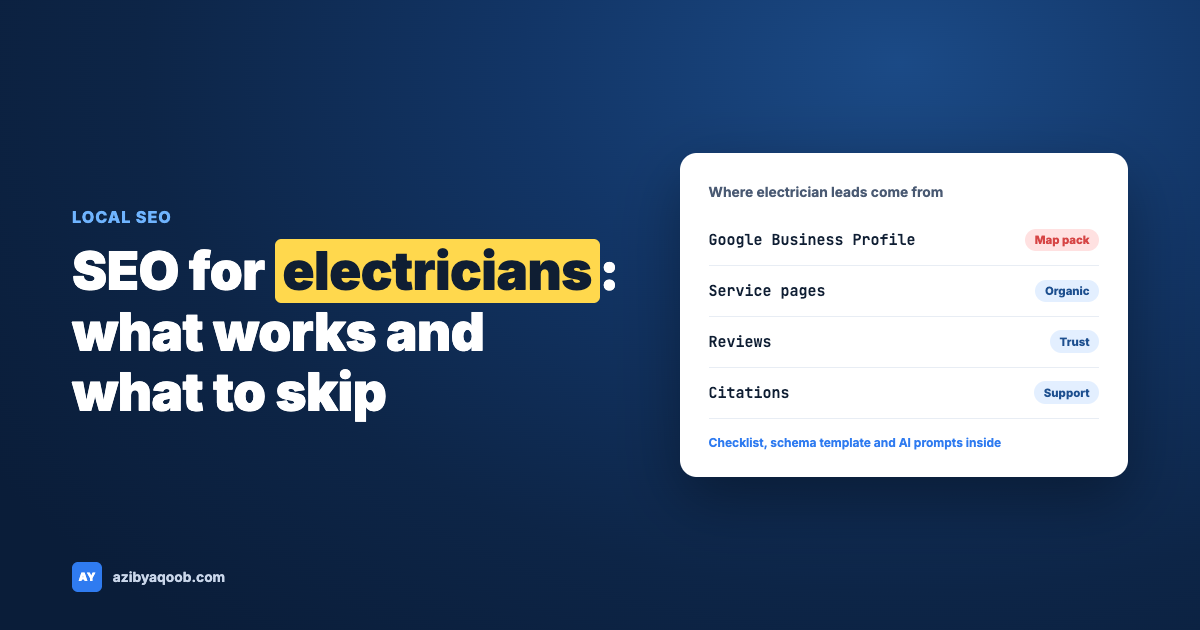
Quick answer: For an electrician, local SEO comes down to four things: (1) a complete, verified Google Business Profile, (2) a separate page for each service and each city you serve, (3) real customer reviews that mention the job and the town, and (4) a fast, mobile-friendly site with your phone number and license details visible. Everything else is optional until those four are done. Start with the checklist in this post, and use the free AI prompts to speed up the writing.
Table of Contents
How people find an electrician on Google
Someone with a dead outlet, a tripping breaker or an EV charger to install types a search such as “electrician near me” or “panel upgrade [city]”. Google often answers with a map block, called the local pack, followed by regular website results. Your goal is to show up in both.
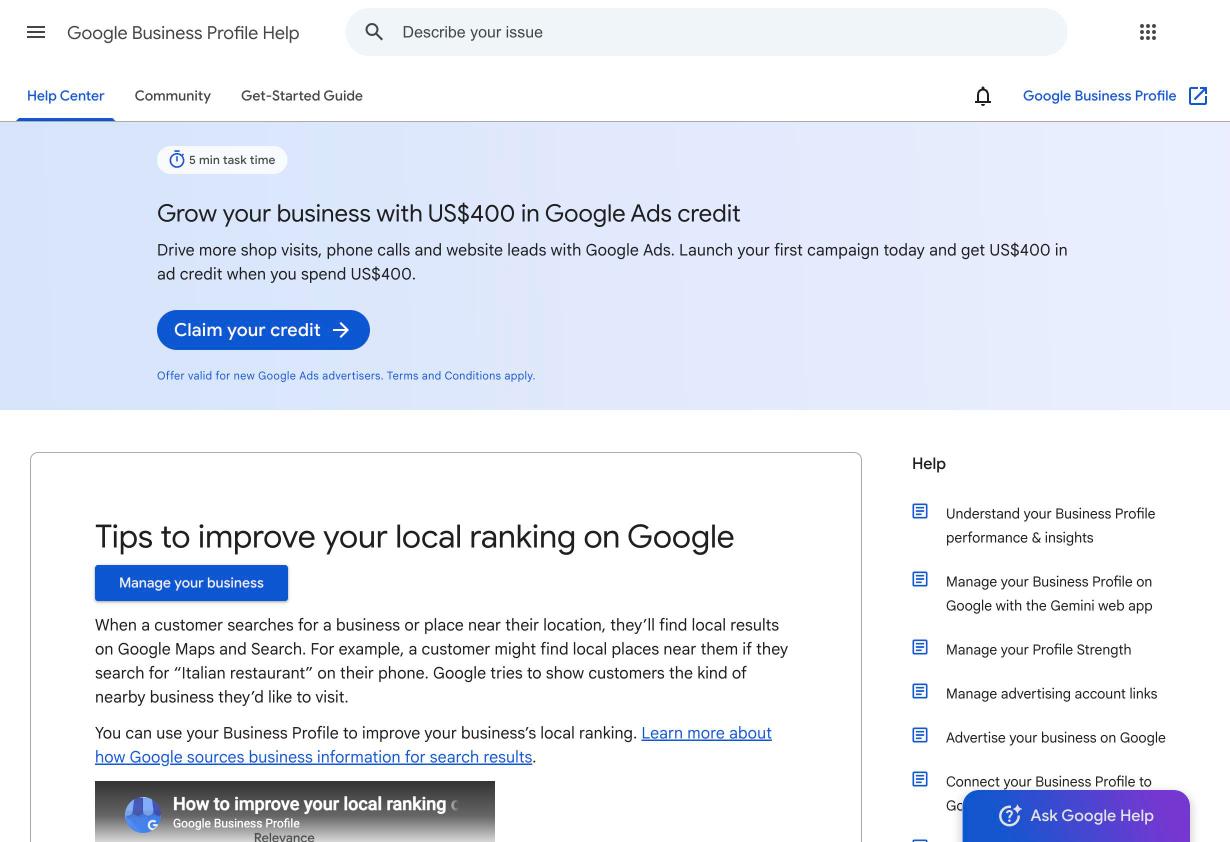
Google explains local ranking with three ideas: relevance, distance and prominence. As of November 2026, Google’s Business Profile help page describes them this way: relevance is how well your profile matches the search, distance is how far you are from the searcher, and prominence is how well known you are, based on things like links, reviews and ratings. Google also states there is no way to pay for a better local ranking.
You cannot change distance. You can improve relevance and prominence, and that is what the rest of this guide covers.
What works for electricians (in priority order)
| Priority | Task | Why it matters | Cost |
|---|---|---|---|
| 1 | Verify and complete your Google Business Profile | Drives map pack visibility and calls | Free |
| 2 | One page per core service (panel upgrade, EV charger, rewiring, emergency) | Matches specific searches | Free to write yourself |
| 3 | Review requests after every job | Prominence and click-through | Free |
| 4 | City or service-area pages (only where you really work) | Local relevance | Free |
| 5 | Schema markup (Electrician) | Helps machines read your business | Free |
| 6 | Consistent listings (name, address, phone) | Trust signals | Free to low |
| 7 | Local links (suppliers, chambers, sponsorships) | Prominence | Time or small fees |
| 8 | Paid help or tools | Speed and scale | Varies |
Notice that the first seven items cost time, not money. Paid help is useful only when you do not have the time.
Step 1: Fix your Google Business Profile
The profile is your most valuable local asset. Work through these items:
- Name: Use your real business name as it appears on your truck, invoices and signage. Do not add keywords or cities to the name.
- Primary category: Pick the most specific electrician category Google offers in the category list inside your profile. Add secondary categories only if they truly describe work you do.
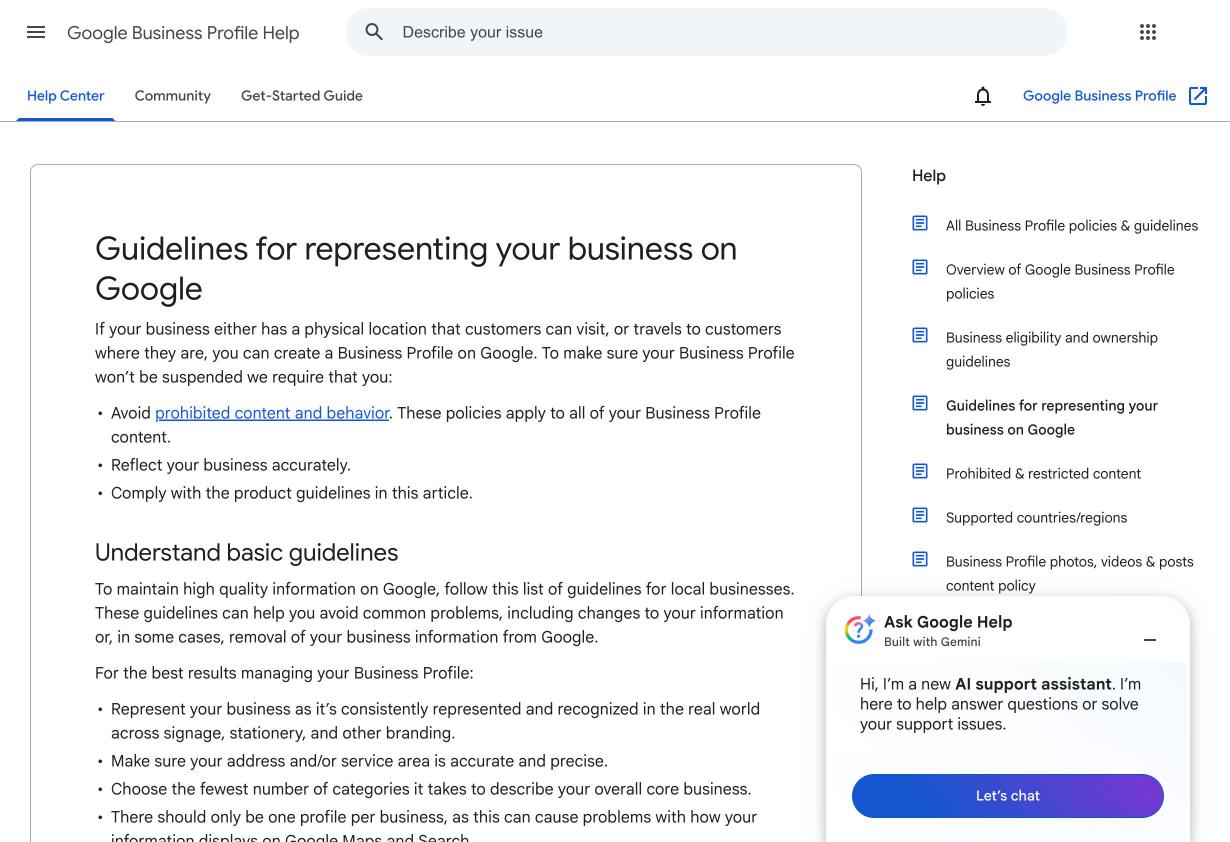
- Address: Google’s guidelines say service-area businesses that travel to customers can have a profile, and that you should hide your address from customers if you have no storefront. Use a real address, not a P.O. box or virtual office.
- Service area: List the cities you actually work in. Google’s guidelines say a service area should generally stay within about two hours’ drive of your base.
- Services: Add each service you offer, with a short description.
- Hours: Set accurate hours. If you take emergency calls, say so in the description and keep your phone answered.
- Photos: Upload real photos of your team, van, tidy panel work and finished installs. Do not show customer faces or house numbers.
For a deeper walkthrough, see how to rank your Google Business Profile on Google Maps.
Step 2: Build service pages that match real searches
A homepage that says “we do all electrical work” does not compete with a page dedicated to one job. Create a page for each service that brings in good jobs. For most residential electricians that list looks like this:
| Page | Example search it targets | What the page must include |
|---|---|---|
| Panel upgrade | “panel upgrade [city]” | What triggers an upgrade, process, permit note, photos |
| EV charger installation | “EV charger installer [city]” | Charger types you install, home assessment, permit note |
| Emergency electrician | “emergency electrician [city]” | Hours, response area, phone button |
| Rewiring | “house rewiring [city]” | When rewiring is needed, what is involved |
| Lighting and outlets | “recessed lighting installation [city]” | Examples, typical process |
| Generator hookup | “generator transfer switch installation” | Brands you install, transfer switch explanation |
We cover a full page outline in the electrician service page template, and a list of searches to build pages around in 40 searches homeowners use to find an electrician.
What every service page needs
- A clear H1 with the service and the main city, written for humans.
- The job explained in plain English: when it is needed, what happens on the day, and how long it usually takes. Only state times you can stand behind from your own work.
- Your phone number as a tap-to-call button at the top.
- Your license number if your state requires you to display it, plus insurance details.
- Photos of your own work (never stock photos pretending to be yours).
- Three to five questions homeowners ask, answered briefly.
- A single, simple contact form.
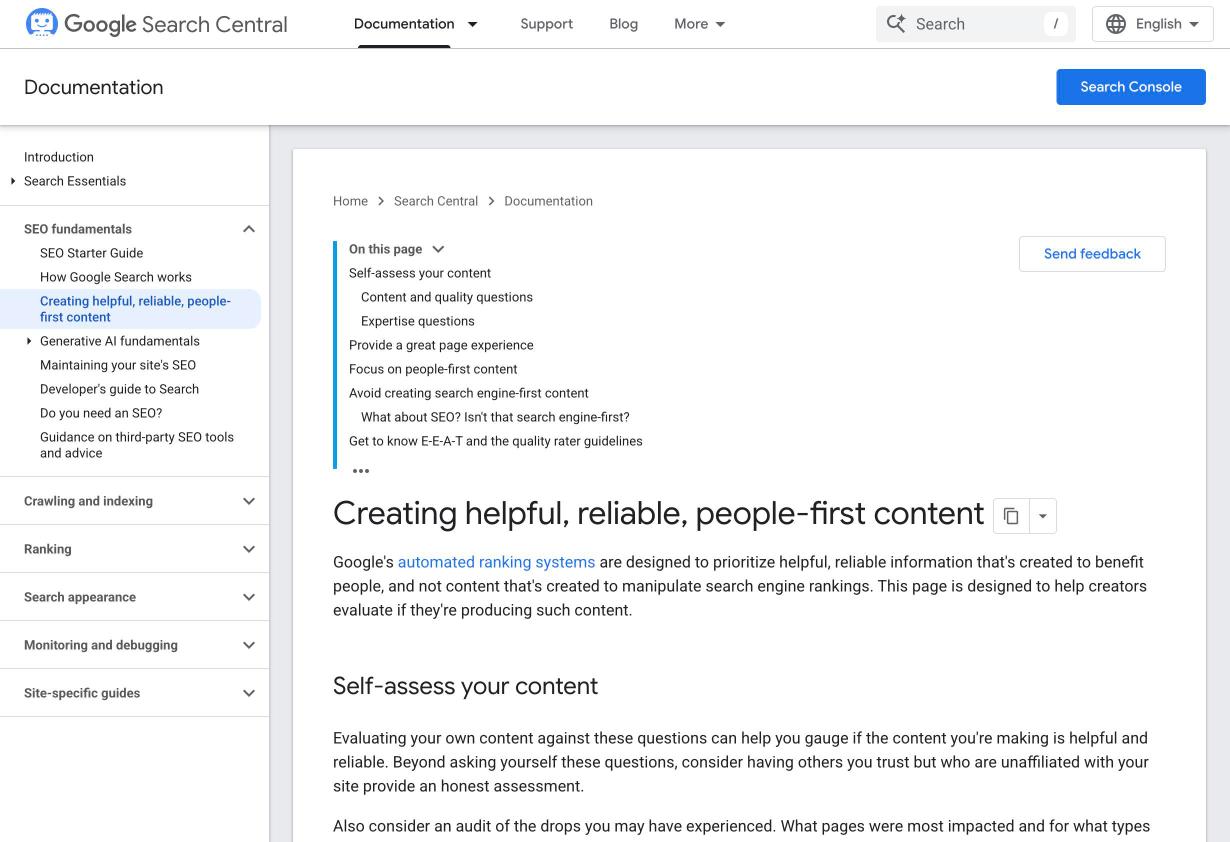
Google’s guidance on helpful content stresses people-first pages that show real experience and expertise, and says trustworthiness is the most important part of that mix. For an electrician, trust is licenses, insurance, real photos and honest answers about safety.
Step 3: Collect reviews the right way
Reviews are part of prominence, and they also persuade the person deciding between three electricians. Build a habit:
1. Ask at the end of every job, while the customer is happy.
2. Send the direct review link by text on the same day.
3. Reply to every review, short and polite.
4. Never offer money or discounts for a review, and never post fake ones. It breaks Google’s policies and can get your profile suspended.
Customers often write better reviews when you ask a simple question first, for example: “What was the job, and how did it go?” That tends to produce reviews that name the service naturally.
Step 4: Add Electrician schema to your site
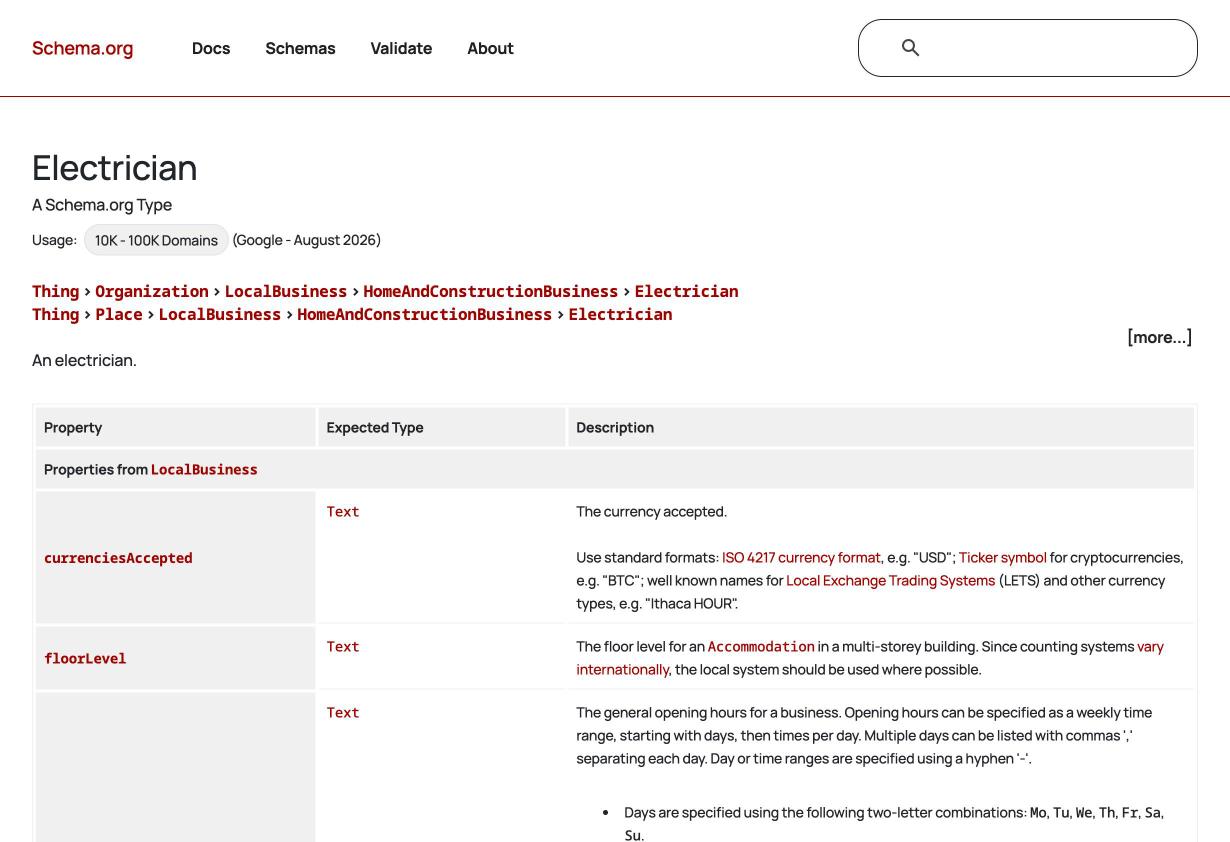
Schema markup is a small block of code that tells search engines what your business is. Schema.org has a specific type called Electrician, which sits under HomeAndConstructionBusiness and LocalBusiness. Google’s local business documentation recommends JSON-LD and says to use the most specific subtype available.
Copy this template and replace the placeholders with your real details. Ask your web person to place it in the head of your homepage or contact page.
<script type="application/ld+json">
{
  "@context": "https://schema.org",
  "@type": "Electrician",
  "name": "YOUR BUSINESS NAME",
  "url": "https://www.example.com/",
  "telephone": "+1-555-555-0100",
  "image": "https://www.example.com/images/your-van.jpg",
  "address": {
    "@type": "PostalAddress",
    "streetAddress": "123 Main St",
    "addressLocality": "YOUR CITY",
    "addressRegion": "ST",
    "postalCode": "00000",
    "addressCountry": "US"
  },
  "areaServed": ["CITY ONE", "CITY TWO"],
  "openingHoursSpecification": [{
    "@type": "OpeningHoursSpecification",
    "dayOfWeek": ["Monday","Tuesday","Wednesday","Thursday","Friday"],
    "opens": "08:00:00",
    "closes": "17:00:00"
  }]
}
</script>
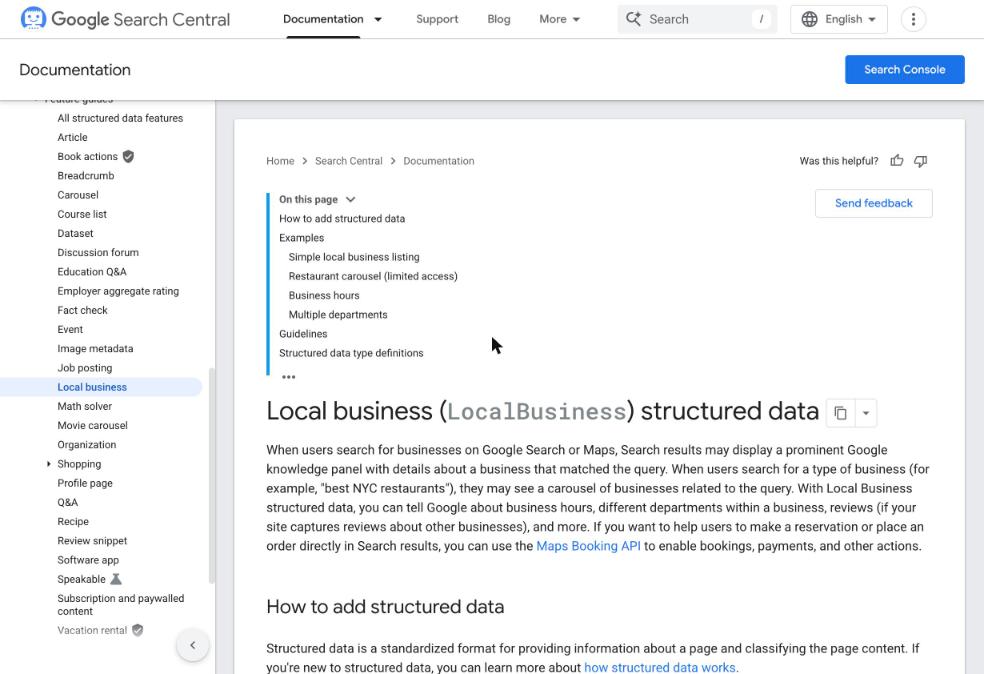
Google says only name and address are required for local business markup, and the rest is recommended. Test the page with Google’s Rich Results Test after you publish. If you use WordPress, a plugin can output this for you; our guide to setting up Yoast SEO for local businesses shows one way.
Emergency work versus planned work
Electrician searches split into two groups, and your site should treat them differently.
| Type | Example searches | What the visitor wants | How to serve them |
|---|---|---|---|
| Emergency | “electrician open now”, “power out in one room” | A phone answered fast | Tap-to-call button on every page, hours stated clearly, no long forms |
| Planned | “EV charger installation”, “panel upgrade”, “ceiling fan install” | Proof you are qualified, a clear process, a quote | Detailed page, photos, FAQs, quote form |
| Research | “how much amperage does my house need” | An answer | Short helpful posts that link to the matching service page |
Emergency searchers rarely read. Planned-job searchers compare three or four companies, so your page has to answer their worries: Are you licensed? Will you pull a permit if one is required? Who will turn up? Write those answers down in plain words.
Safety and trust details to show
- Your license number and issuing state, if your state requires it to be displayed.
- Proof of insurance, stated simply.
- A line on permits and inspections: that you handle them where your local authority requires.
- The name and photo of the people who will come to the home.
- A short description of how you protect floors, clean up and test your work.
None of these need numbers or awards. They just need to be true. Never copy claims from another electrician’s site.
Local pages and the “near me” trap
“Near me” searches are decided mostly by location, so you cannot target them with a page. What you can do is make your service area clear: the Business Profile service area, a short list of cities on your site, and a city page for your main towns with real local detail such as the neighborhoods you work in and the local permit office you deal with. Keep each city page genuinely different, and link it from the matching service page.
What costs money, and what is worth it
| Item | Free option | When paying makes sense |
|---|---|---|
| Google Business Profile | Fully free | Never needed to pay for ranking |
| Website | WordPress or a site builder | When you need a custom design or faster build |
| Writing pages | You plus AI help | When you lack time |
| Review requests | Text message by hand | Automation tool if you do many jobs a week |
| Listings management | Manual updates | When you change address or phone often |
| Local Services Ads or Google Ads | None | When you want leads faster and can track cost per lead |
| SEO agency or freelancer | Not applicable | When you are busy and want someone accountable |
Prices vary widely by market and scope, so we do not quote numbers here. A separate post, what SEO costs for electricians and how long it takes, explains the cost drivers. If you are weighing an outside provider, read how to hire a freelance SEO service provider first.
What to skip
- Keyword-stuffed pages for 50 cities you do not serve. Google can see through them, and customers who call you from far away cost you money.
- Buying links or “citations” in bulk. Low-quality links do not build the kind of prominence Google describes.
- Fake reviews or review gating. It risks your profile.
- Chasing generic keywords such as “electrician”. Local intent searches convert better.
- Spending on a blog before your service pages exist. Posts help later; service pages bring calls first.
- Guarantees of “#1 in 30 days”. Nobody can promise a ranking. Our guide on how long SEO takes explains realistic timing.
Use AI to speed up the writing (without publishing junk)
AI tools such as ChatGPT, Claude or Gemini can draft outlines and questions. They cannot know your licenses, your prices or your service area, and they can make things up, so always edit with real facts. Paste these prompts into your tool of choice.
Prompt 1: Service page outline. What it does: builds a page structure. Paste in your service and city.
I run a licensed residential electrical company in [CITY, STATE]. Create an outline for a web page about [SERVICE, e.g. panel upgrades]. Include: H1, a short intro, a section explaining when this job is needed, a step-by-step of what happens on the day, 5 questions homeowners ask, and a call-to-action. Do not invent prices, timelines or license numbers. Mark anything I must fill in with [BRACKETS].Prompt 2: Customer questions. What it does: lists real questions to answer on the page. Paste in the service.
List 15 questions a homeowner might ask before hiring an electrician for [SERVICE]. Group them as: cost and quotes, safety, permits and inspection, scheduling, and after the job. Keep each question under 15 words.Prompt 3: Review request text. What it does: writes a short, friendly SMS. Paste in your first name and review link.
Write 3 versions of a short text message from an electrician named [FIRST NAME] asking a customer to leave a Google review after a [JOB TYPE] job. Include this link: [REVIEW LINK]. Keep each under 300 characters, polite, no discounts or incentives.Prompt 4: Profile description. What it does: drafts your Business Profile description. Paste in your facts.
Write a 700-character Google Business Profile description for an electrician. Facts to use only: [YEARS IN BUSINESS], [SERVICES], [CITIES SERVED], [LICENSED AND INSURED YES/NO], [EMERGENCY SERVICE YES/NO]. Plain English, no hype, no keyword stuffing, no claims beyond these facts.Prompt 5: Page audit. What it does: critiques a draft against a checklist. Paste in your page text.
Here is a draft service page for an electrician: [PASTE TEXT]. Check it against this list: clear H1, phone number near top, license and insurance mentioned, plain-English explanation, local details, FAQs, no unsupported claims. Return a table of what is missing and suggested fixes.90-day checklist for electricians
| Week | Task |
|---|---|
| 1 | Claim or verify the Business Profile, fix name, category, hours and service area |
| 1 | Check your name, address and phone are the same on your site and major listings |
| 2 | Upload 10 or more real photos of your work and team |
| 2-3 | Write or rewrite your top service page (usually panel upgrade or emergency) |
| 4 | Add Electrician schema and test it |
| 4-6 | Publish one more service page each week until you cover your core jobs |
| 5 onward | Ask for a review after every job |
| 8 | Add city pages only for places where you really work |
| 10 | Check Google Search Console for queries and pages gaining impressions |
| 12 | Update weak pages and add any missing questions |
Frequently asked questions
How long does SEO take for an electrician?
It depends on competition, your starting point and how much you publish. Map pack changes can show up sooner than organic ones, but nobody can promise a date. See how long SEO takes for a realistic view.
Do I need a blog?
Not at first. Service pages and a strong Business Profile come first. Blog posts help later by answering questions like “why does my breaker keep tripping”.
Do I need a separate page for each city?
Only for cities you serve and can say something useful about. Do not copy the same text and swap the city name.
Should I hide my address on Google?
If you are a service-area business with no storefront, Google’s guidelines say to hide your address from customers. Follow the current rules on the guidelines page.
Can AI write my website for me?
AI can draft, but it cannot verify your license, prices or work. Edit everything and add your own photos.
Is paid advertising better than SEO?
They do different jobs. Ads can bring calls quickly while you pay; SEO builds slower but lasts. Many electricians use both and track cost per lead.
Next step
If you want a second pair of eyes on your Business Profile and service pages, see my local SEO and GEO service. You can also work through the checklist above on your own, since every step is free.